
Your API Key
Every account has a personal API key for connecting Validator to your own tools and scripts.
- Open the menu under your avatar and click Profile.
- Under API key, click Copy.
- Send it in the Authorization: Bearer header of your API requests.
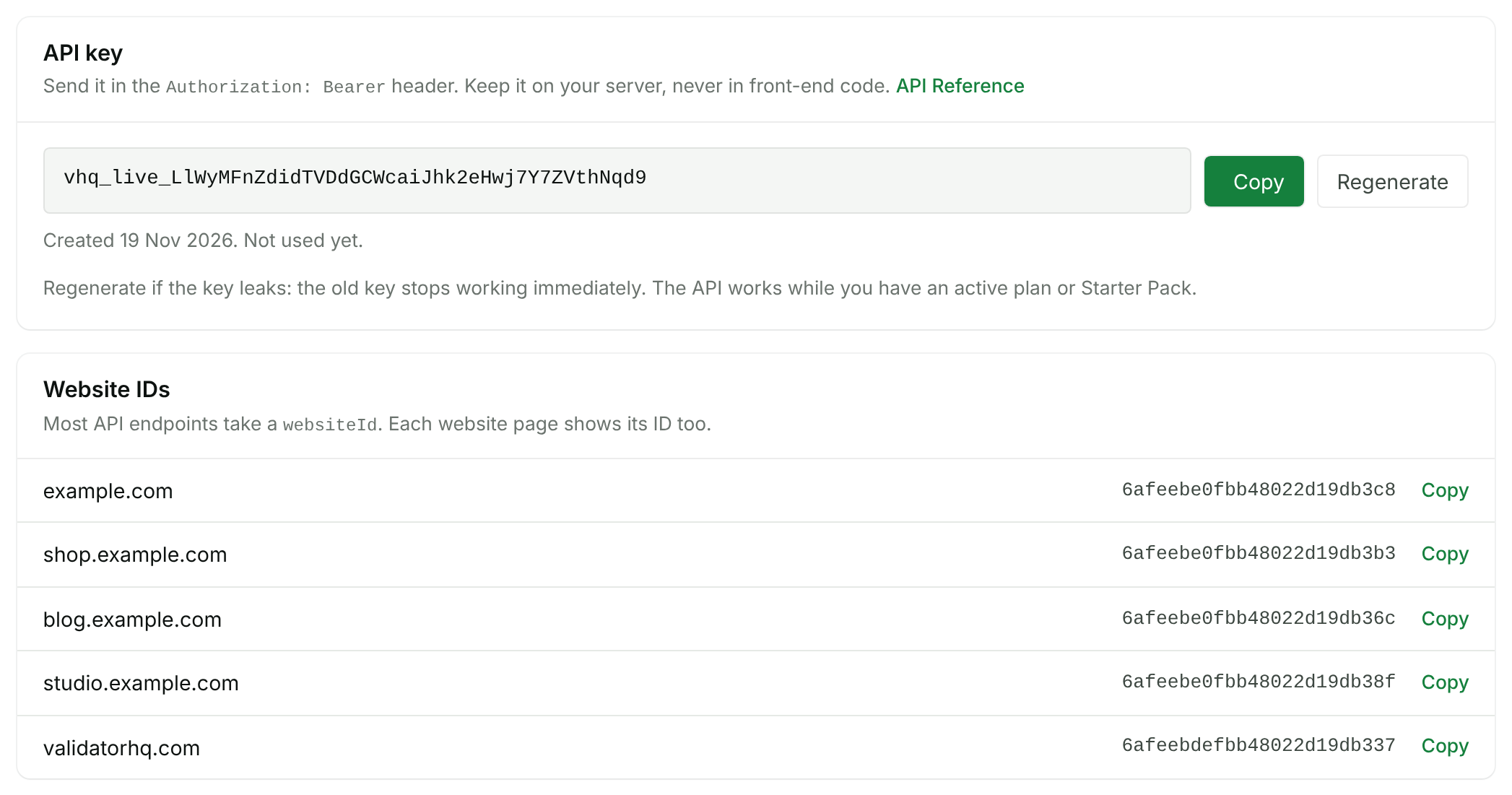
- Keep the key on your server. Never put it in front-end code.
- If the key leaks, click Regenerate. The old key stops working immediately. Your account always has exactly one key.
- The API needs an active subscription or free trial.
- Most API endpoints take a website ID. Your Profile lists the ID of each website under Website IDs, with a copy button.
For every endpoint, with examples, open API Integration from the menu under your avatar.