
My site shows as down but it's online
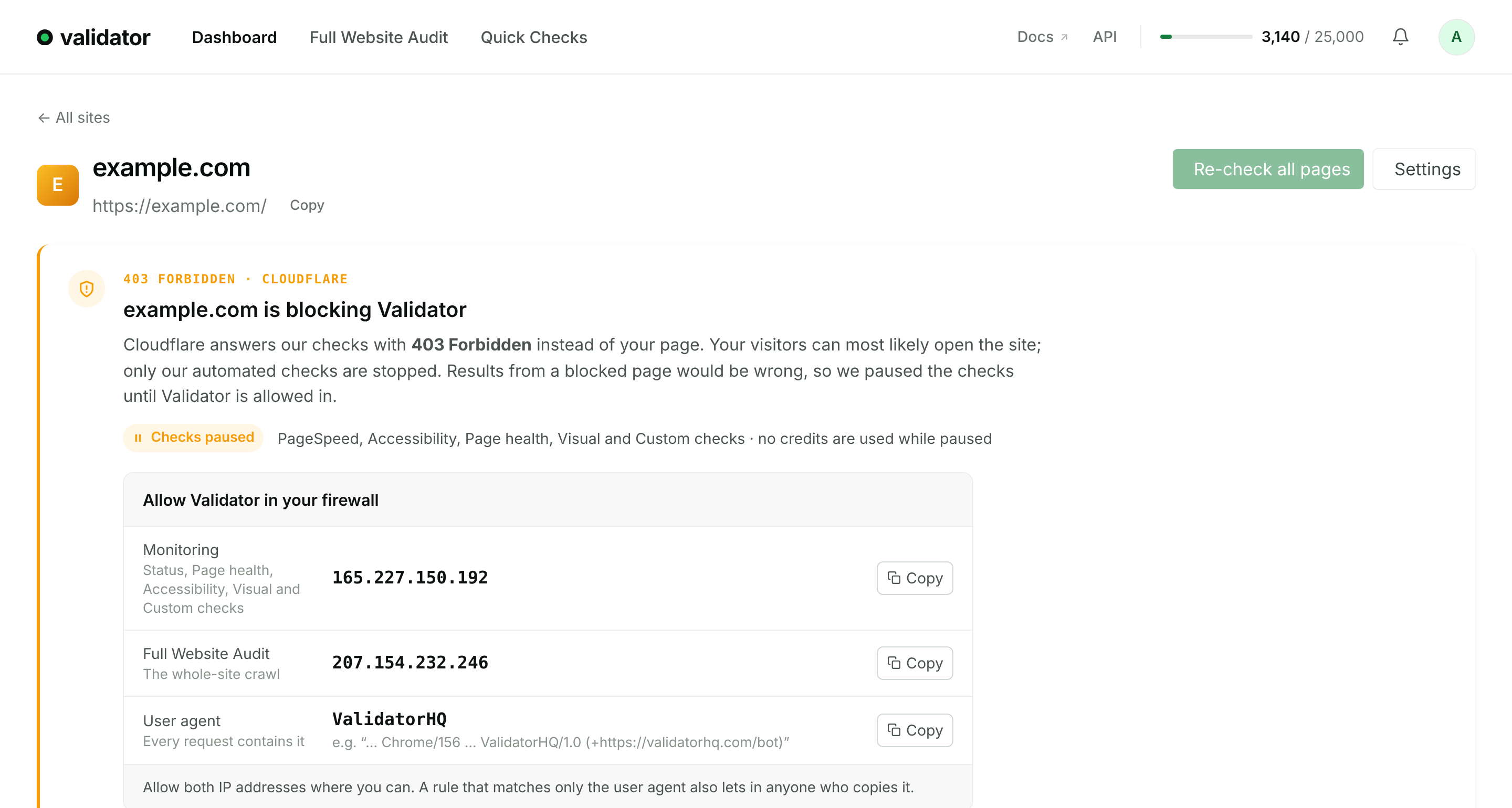
If Validator shows an error but the site opens fine in your browser, the usual cause is a firewall or bot protection blocking automated checks. Validator tries to tell the two cases apart for you.
Amber 401, 403 or 429 with a warning icon
This means our status check was refused, but the page loads normally in a real browser, so PageSpeed, accessibility and Page health checks ran. The website's page shows a note saying so. If visitors can open the site, you can ignore it.
Common sources:
- Cloudflare bot fight mode or a WAF rule
- Security plugins such as Wordfence, iThemes Security or All In One WP Security
- Hosting-level firewalls or rate limiting (429 Too Many Requests)
- Country blocking
For a clean result, ask your host or security plugin to allow automated monitoring for your site.
Red status, but the site works for you
A red status means the other checks also failed to load the page, so Validator skipped them for that run. Try these steps:
- Open the site in a private window or on mobile data. A cached copy in your browser can hide a real outage.
- Check from another location. Some hosts block whole countries or regions.
- Look at the error code on the website's page:
- 403 / 401: a firewall is blocking all automated traffic. Check your security plugin, Cloudflare and host firewall.
- 5xx: the server had errors at the time of the check. Ask your host for error logs.
- Timeout: the server is slow or overloaded. Check hosting resources and caching.
- DNS error: check your domain's DNS records and that the domain hasn't expired.
- SSL error: check that the certificate is valid and covers both www and non-www.
- Click Check next to Uptime on the website's page, or Check again in the note, to see if it was temporary. Uptime checks are free.
- Look at the 30-day uptime bar to see whether the outage was short or keeps coming back.
Still stuck?
Contact us through the chat icon in the bottom-right of the app. Include the website and the time you saw the error.